How to use the “Buy Now”
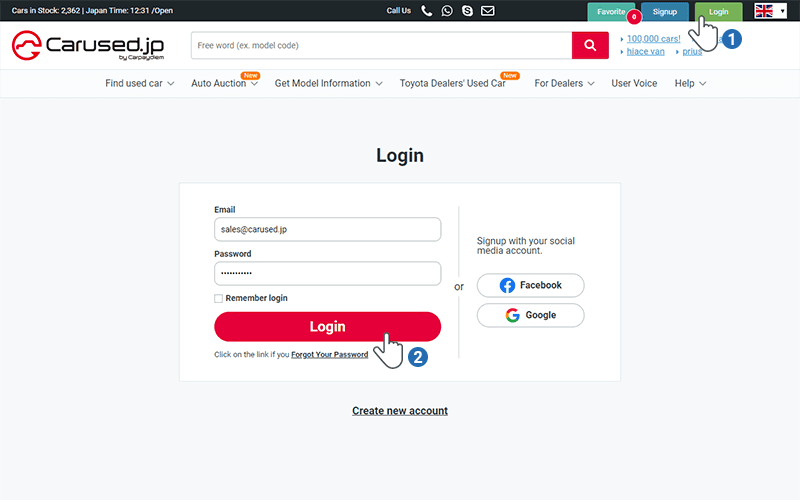
Login to your Carused.jp Account or Signup for a new Account
To use the “Buy Now” function, you first need to login to your Carused.jp Account by clicking on the “Login” button or if you “do not have” a Carused.jp account yet, Click on the Signup Button.
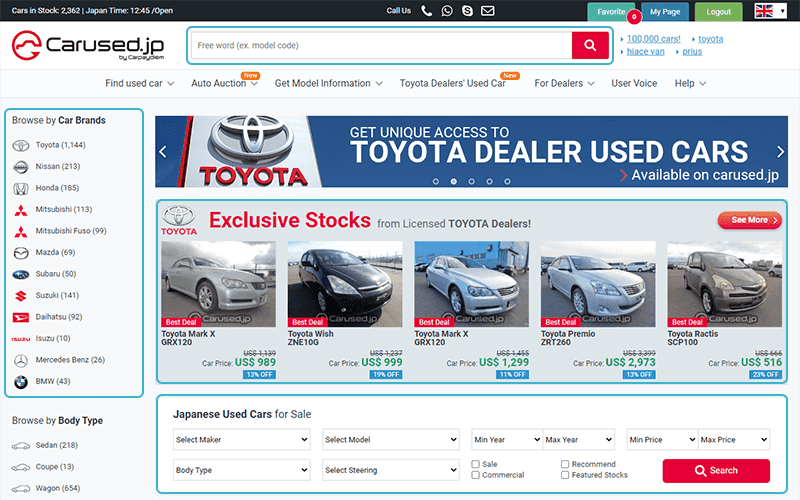
Browse the Carused.jp Website and Choose the vehicle you wish to buy
Search by selecting the make and model you need or select from recommended stocks on our website.
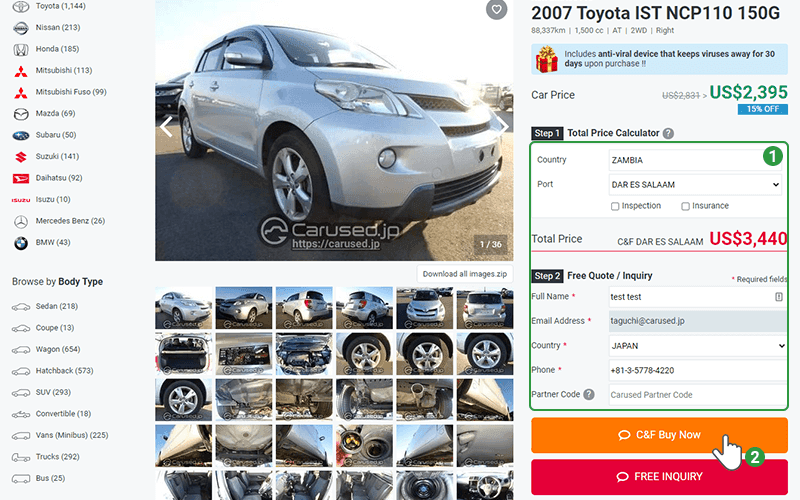
Select the Country and Port then click on the Buy now button
The buy now button should be available if the vehicle you want can be imported to your country without problems.
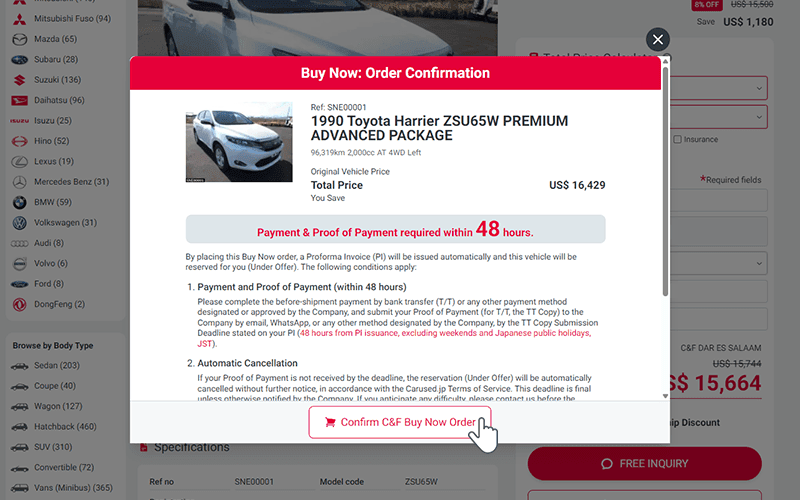
Review your order and the Terms of Service.
Review your order and the Carused.jp Terms of Service. Please make sure you understand them. By clicking on the Confirm C&F Buy Now Order button, you are deemed to have read, understood, and agreed to the Terms & Conditions stated on your Proforma Invoice and the Carused.jp Terms of Service.
Order Complete
Congratulations! The vehicle is now reserved to you!
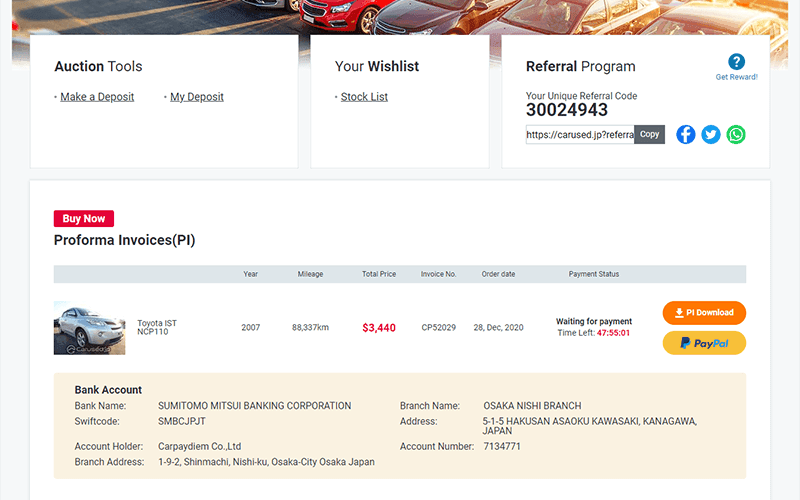
To download the Proforma Invoice (PI) Please click on the “Download Pro-forma Invoice” button or go to your Profile/My page.
Important note:
- Important: The TT Copy Submission Deadline stated on your Proforma Invoice is final. If your Proof of Payment is not received by the deadline, your reservation will be automatically cancelled without further notice. If you anticipate any difficulty, please contact us before the deadline; however, the deadline remains final unless the Company expressly notifies you of an extension.
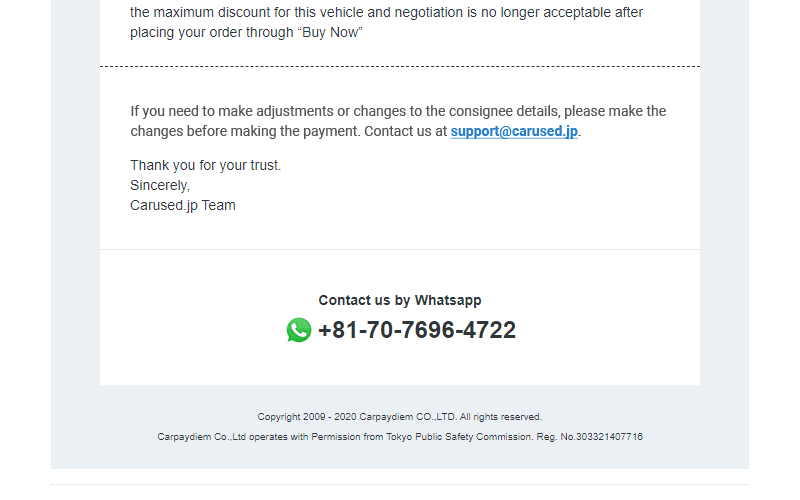
Contact Carused.jp and make sure the consignee details are correct
Make sure to double check all the consignee details with our sales representative. Send us a whatsapp message or call us at +81-3-5778-4230.
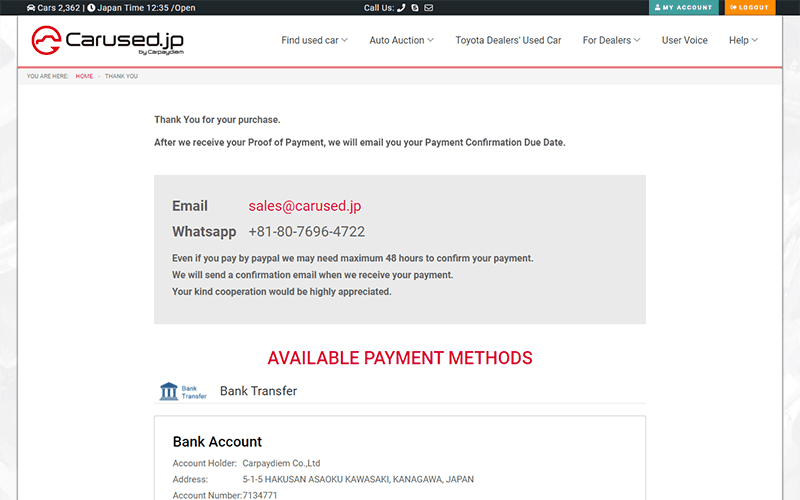
Complete the payment for the vehicle
Complete the payment and submit your Proof of Payment by the TT Copy Submission Deadline stated on your Proforma Invoice. For bank transfer, send us your TT Copy by email or WhatsApp.